
Everyone is well aware of the cons of publishing plagiarized content. It is seriously harmful to the writer/website owners. To check plagiarism in your content, numerous online tools are now available. Let’s discuss a few of the best plagiarism checkers for writers.
What is Plagiarism?
It is distinguished as the stealing of content. Use some other individual’s work in your text and describe it as yours. It can be intended or sometimes unintended.
Harms of plagiarized content:
It can have disastrous consequences which include the penalty, unrecognition of your content, losing traffic, losing SEO ranking, etc.
How do get rid of plagiarism?
The best way to avoid plagiarism these days is by using plagiarism checker tools. These come in handy for the writers and are convenient. You can check the plagiarism of your content using these tools.
These tools are available online for free and make your work easy and quick. Let’s discuss some of the best plagiarism checkers.
PlagiarismCheck.org
PlagiarismCheck.org provides a plagiarism checker that includes a plagiarism detection process and provides detailed reports with parts of stolen content and its original sources.
Two packages for individuals and one for organizations are available at the moment. The service can be used by universities, K-12 schools, and businesses. Plagiarism check service ranges in price from Basic ($5.99), Light ($9.99), and Standard ($25.49) to Premium ($45.49), depending on the complexity level of the document. The assessment process is 100% automated, which means you can upload multiple documents and get them checked with a click. The service has a user-friendly design and, what is more, it can be integrated with other educational platforms like Google Classroom, Moodle, Canvas, etc.
Prepostseo
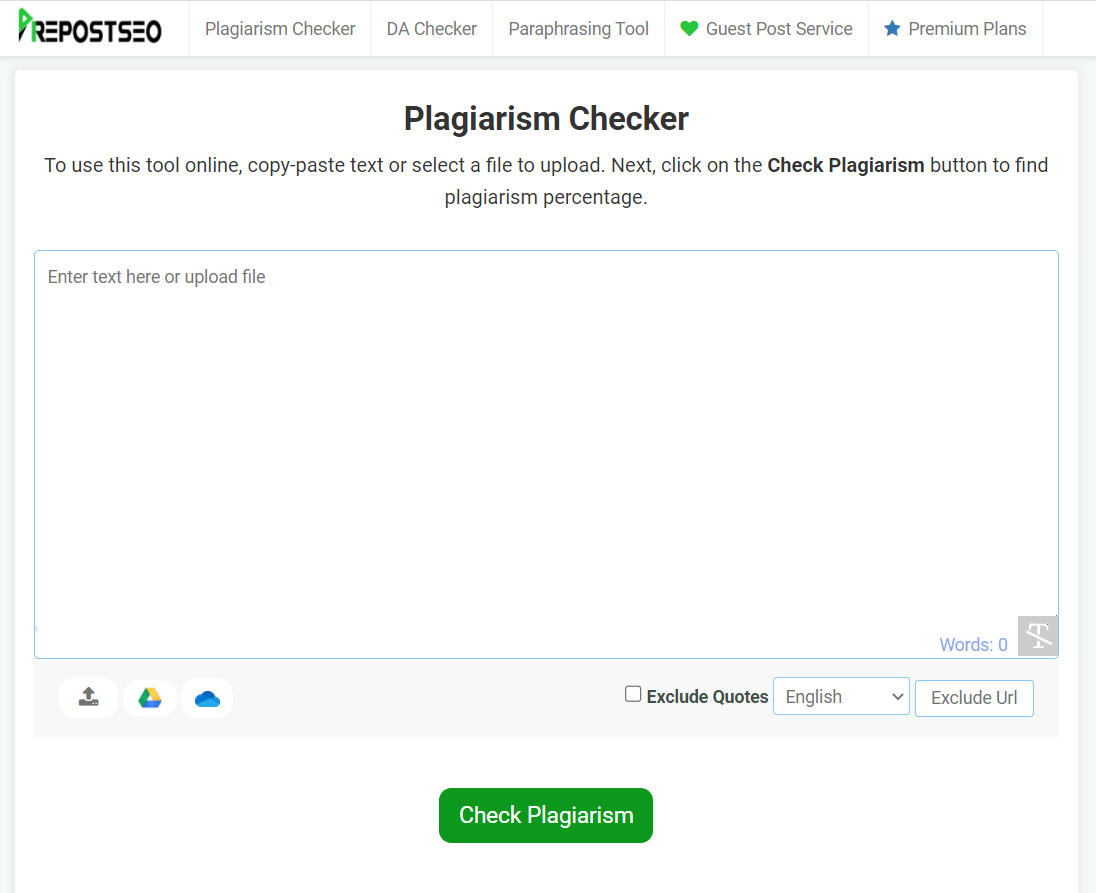
Prepostseo is an online tool that assists bloggers, writers, and web owners to check for plagiarism. It scans and distinguishes files against the submitted content to expose plagiarism. This tool has various features.
Features:
Some key features of this tool are:
- Upload the file to detect plagiarism
It allows you to browse your file from the local storage for checking plagiarism. It supports different file types, including txt, doc, pdf, etc.
- Assured content safety
The content you check on this tool is 100% secured. It doesn’t save or copy your content.
- Generates plagiarism report
It generates the report of the plagiarism and you can download it to your device.
- Chrome Expansion
This tool offers a Google Chrome Extension to find plagiarism in your content.
- Output with percentage and origins
It underlines the content and provides the origin of plagiarism. Plus, it provides the ratio of unique and plagiarized content.
How to use this tool?
It is straightforward to use and understand. Follow these simple steps to check for plagiarism.
- Copy your content and paste it into the given input box
- Or upload a file by clicking the select file button
- Select the language
- Click on the Check Plagiarism button to start
Editpad

Edit Pad offers a free online tool to help its users accomplish their tasks easily. It is offering several amazing features for its users.
Features:
It has incredible features that include:
- Deep search for advanced technology
It works on advanced technology and detects plagiarism deeply. It searches widely on the internet.
- File Support:
It allows uploading files of different types in different formats such as pdf, doc, txt, etc.
- Result with percentage
It makes it easier to get the exact report by providing the percentage of the plagiarized content.
- Word extent
It allows you to check up to 1000 words at a time which saves you time. It generates the result in a short time. It is very quick and easy.
- Unique content
This tool makes sure to generate content that is unique and new. It removes all the duplicate content.
How does it work?
It is very easy to use. Just follow these few steps.
- Type or copy/paste your text in the input box
- You can either upload your file
- Select the Check Plagiarism button to proceed
Copyleaks
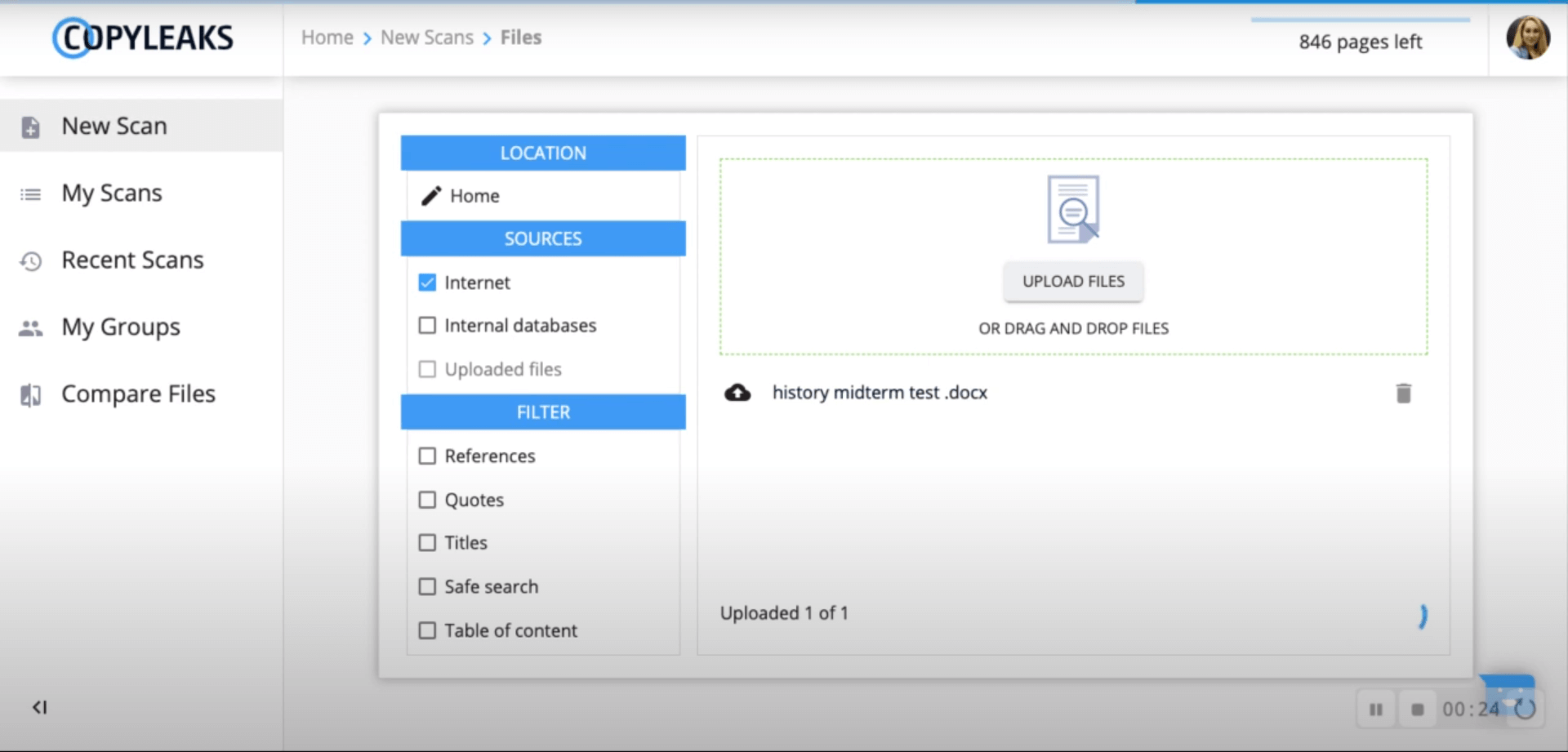
This tool is a comprehensive solution that helps writers to create unique content.
Features:
- Works on the latest AI technology
- Supports multi-language
- Detects duplicate content
- Allows to download the report
- Allows multiple file format
How to use it?
You can simply upload or copy your file in the input box and select the scan button to generate output.
Viper plagiarism checker
Viper is a leading online plagiarism checker using its powerful tools and features to help writers.
Features:
- It allows you to upload your file
- It scans deeply
- Easy and quick
How to use it?
Copy or upload your file in the given box and select the scan button to generate the result.
Check-plagiarism
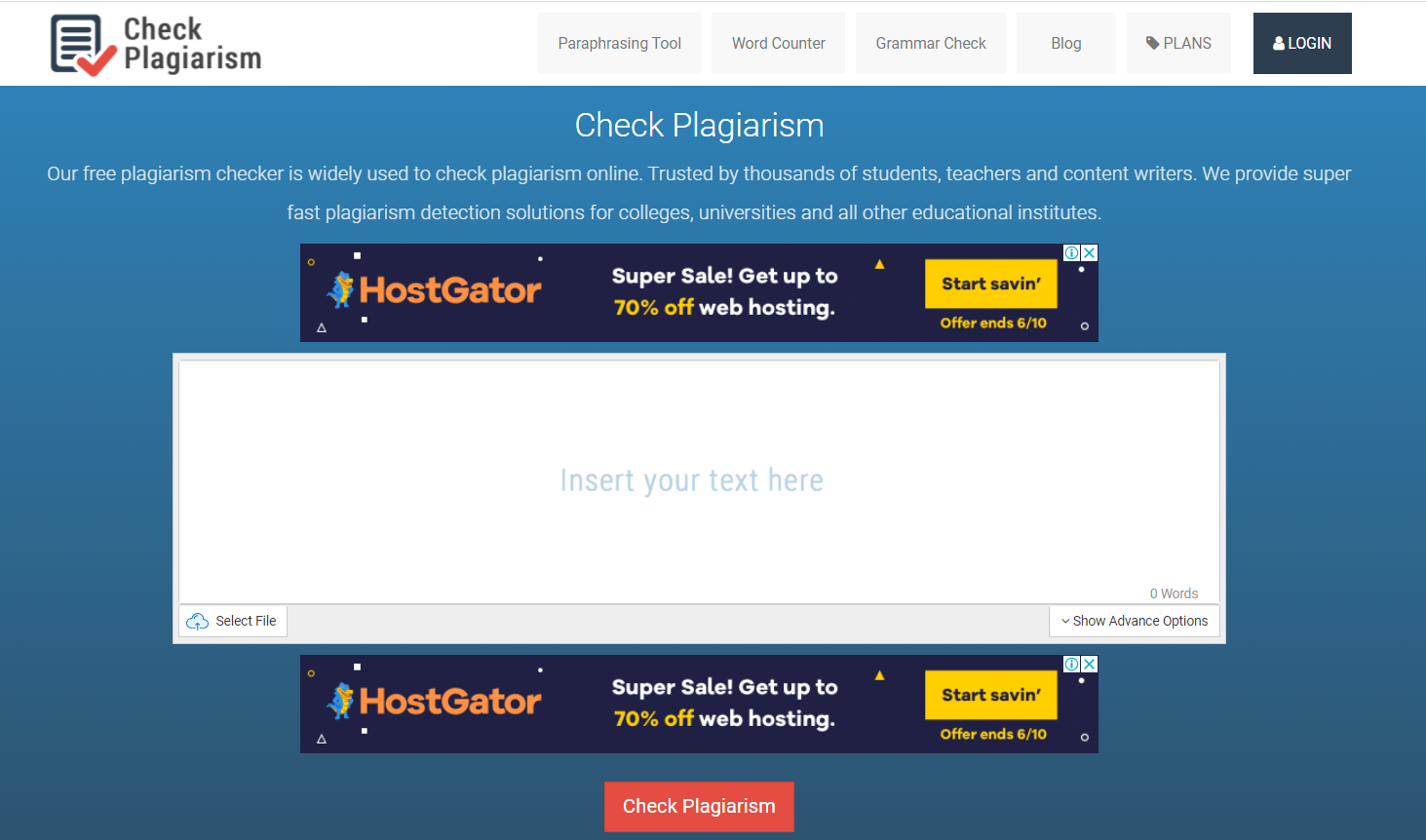
Check-plagiarism.com provides a free plagiarism checker which is best for bloggers.
Features:
- Protects your content
- Generates the result quickly
- Allows different file formats
How to use it?
It provides a box where you can enter your weblink and it will detect the copies of your page on the overall web.
Let’s see more Best plagiarism checkers
Citationmachine.net
It allows you to detect plagiarism so that you can add the citation.
Features:
- Provides suggestions
- Create unique content
- Creates citations
How to use this tool?
It gives you the option to either upload or paste your text in the input box. Then click on the check my text button to get results.
Easybib.com
It checks your text deeply and provides accurate results. It has some great features.
Features:
- Scans against billions of sources
- Identities copied content
- Provides the score of plagiarism
How to use this tool?
It is as easy as every other tool. Simply upload or copy your content and get the result.
Plagramme.com
It works quickly and is used by many users.
Features:
- Quick report generation
- Available for free
- Creates unique content
How to use it?
Check your text by pasting your text in the input box.
Plagiarisma.net
This tool is available online for free and has many features.
Features:
- Provides percentage
- Generate results quickly
- Gives unique text
How to use this tool?
To generate the output, click on the check duplicate content button after pasting your text in the input box.
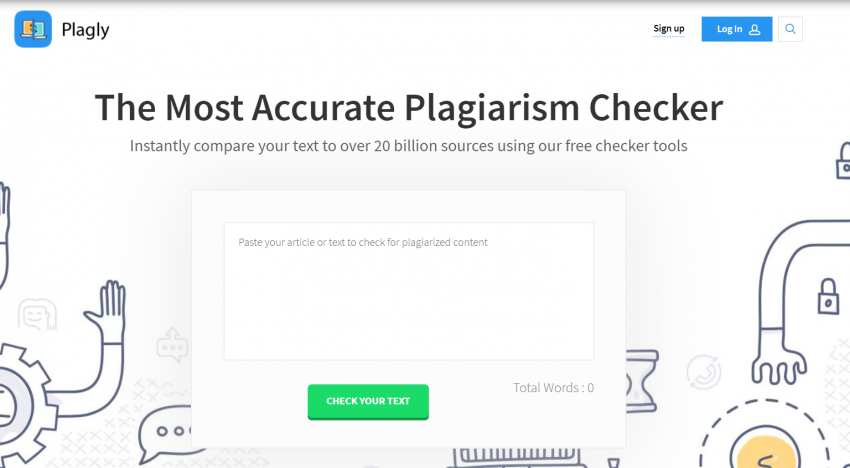
Plagly.com
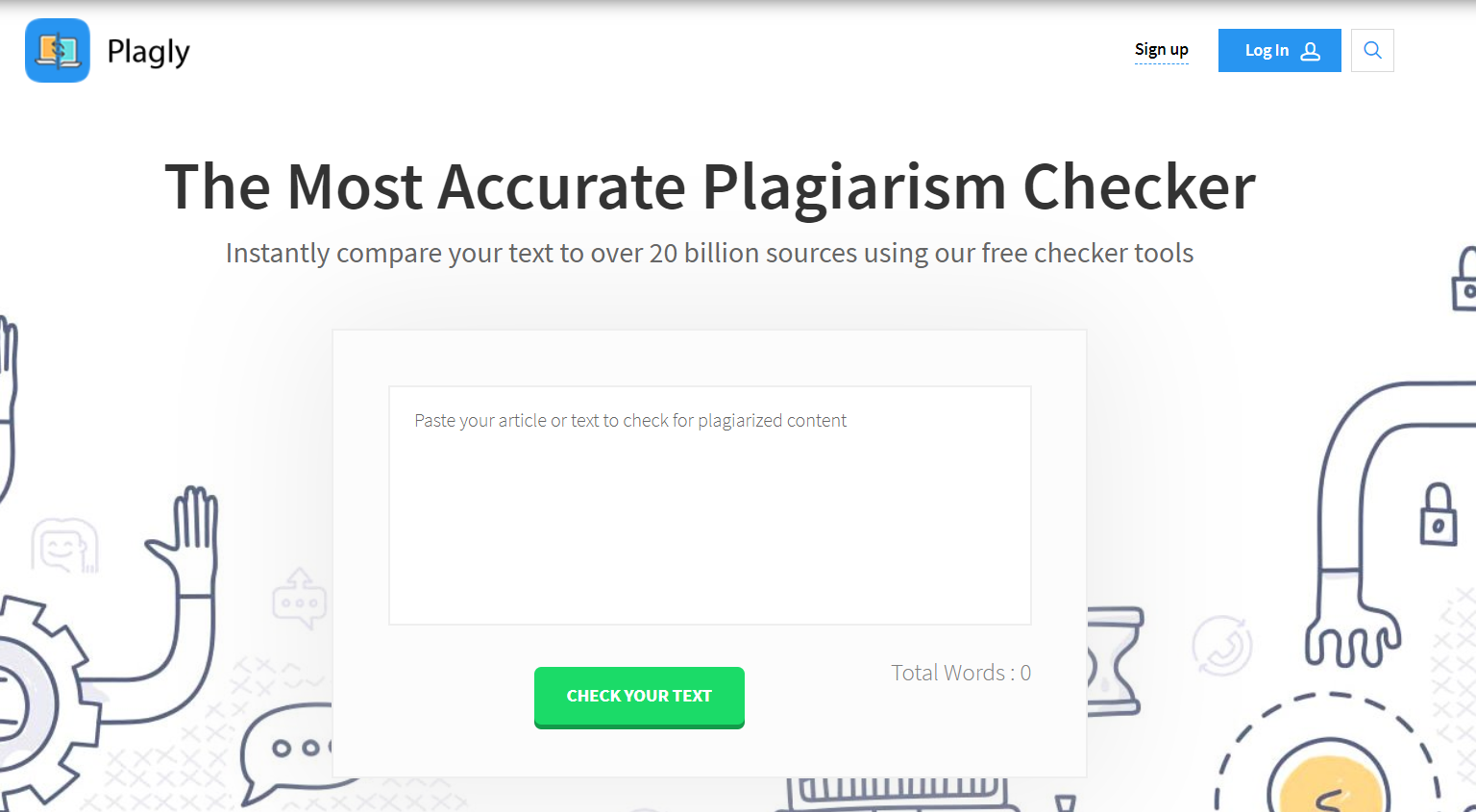
This tool provides instant results and is easy to use.
Features:
- Works on the latest technologies
- Checks duplicate content
- Natural Language processing
How does it work?
Click on the check your text button to generate output after pasting your text into the input box.
Conclusion
Plagiarism destroys your professional reputation and doesn’t let your content rank on SEO pages. The above Best plagiarism checkers help you to keep your works genuine. It is easier to use a plagiarism checker tool to detect duplicate content from your text. You can remove it, alter it, or give citations to get rid of plagiarism. Reviewing this article will allow you to select the best plagiarism checkers for you.