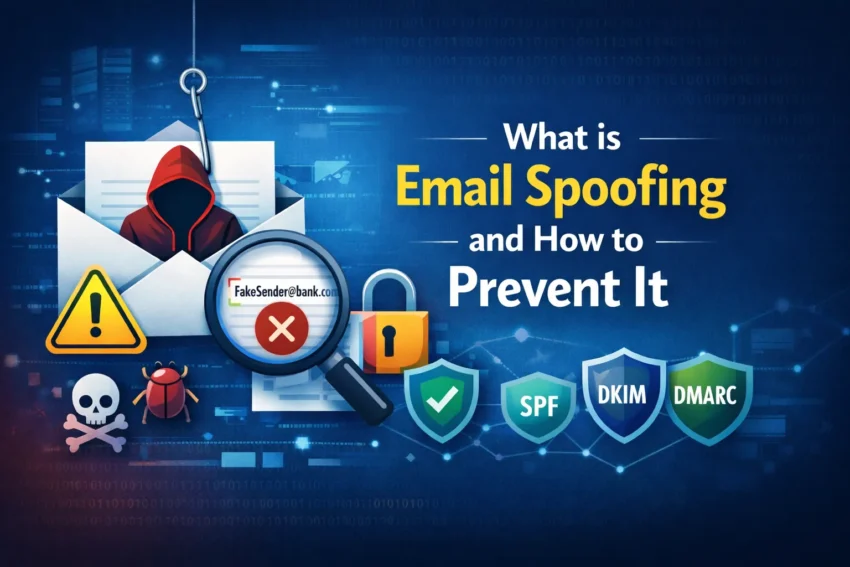
What is Email Spoofing?
Email spoofing is a method of forging the sender identity in an email so it appears to come from a legitimate source. The attacker changes visible sender details to make the message look authentic, even though it was not actually sent by the real person or organization.
These emails often imitate banks, delivery services, government portals, company executives, or customer support departments. In many cases, the message looks professional enough to fool users who do not check the details carefully.
How Email Spoofing Works
Email systems rely heavily on trust. Attackers abuse that trust by manipulating parts of an email so the sender appears genuine.
- Forged From Address: The visible sender address is changed to look like a trusted one.
- Display Name Spoofing: The real name of a company or person is shown, but the actual email address is fake.
- Domain Impersonation: Attackers register lookalike domains using small spelling changes or similar letters.
- Reply-To Manipulation: Even if the message looks real, replies are redirected to the attacker’s address.
This is why a spoofed email can appear convincing at first glance, especially on mobile screens where full sender details may not be visible.
Real-World Examples of Email Spoofing
1. Fake Bank Alert
You receive an urgent email claiming suspicious account activity has been detected and asking you to verify your identity immediately through a link.
2. CEO Fraud or Business Email Compromise
An employee receives a message that appears to come from a senior executive asking for an urgent payment, invoice approval, or gift card purchase.
3. Delivery or Account Verification Scam
A spoofed message says your package is delayed or your account will be suspended unless you confirm details or pay a small fee.
Why Email Spoofing is Dangerous
Email spoofing is dangerous because it exploits trust rather than technical weakness alone. A convincing spoofed email can lead to:
- Stolen login credentials
- Financial fraud
- Malware infections
- Data breaches
- Business email compromise
- Brand reputation damage
For businesses, even one successful spoofed email can cause serious financial and legal consequences.
How to Detect Email Spoofing
- Check the full sender address and not just the display name.
- Watch for spelling tricks in domains, such as swapped letters or added characters.
- Hover over links before clicking to inspect the real destination.
- Be careful with urgent requests involving money, passwords, or sensitive data.
- Review the tone and grammar for unusual phrasing or pressure tactics.
- Inspect email headers if you need advanced verification.
How to Prevent Email Spoofing
For Individuals
- Enable two-factor authentication (2FA) on important accounts.
- Do not click suspicious links or download unexpected attachments.
- Use reputable spam filters and email protection tools.
- Verify sensitive requests through another channel before taking action.
For Businesses and Website Owners
The strongest defense against spoofing is proper email authentication.
1. SPF (Sender Policy Framework)
SPF defines which mail servers are allowed to send email on behalf of your domain.
2. DKIM (DomainKeys Identified Mail)
DKIM adds a digital signature so receiving servers can verify that the email was not altered and was approved by the sending domain.
3. DMARC (Domain-based Message Authentication, Reporting, and Conformance)
DMARC tells receiving servers what to do if a message fails SPF or DKIM checks and helps domain owners monitor abuse.
Together, SPF, DKIM, and DMARC significantly reduce the risk of domain spoofing and improve trust in your outbound email.
For more cybersecurity guidance, see our related posts on how a spammer collects your email content, how to identify phishing emails, and email security best practices.
Final Thoughts
Email spoofing may look simple, but it is one of the most effective tools used in modern cybercrime. The safest approach is to stay cautious, verify requests before acting, and use strong authentication controls if you manage a domain or business email system.
You can also strengthen your broader security posture by reading our guides on how to prevent data breaches and how to protect online privacy.
Frequently Asked Questions (FAQs)
Can spoofed emails hack my account?
Not directly, but they can trick you into revealing passwords, clicking malicious links, or downloading malware.
Is email spoofing illegal?
Yes. In many countries, spoofing used for fraud, phishing, or impersonation is illegal and may be prosecuted under cybercrime laws.
Can Gmail or Outlook stop spoofed emails?
Major email providers block many spoofed emails, but not all of them. Users should still verify suspicious messages carefully.
What is the difference between phishing and spoofing?
Spoofing is the act of faking the sender identity. Phishing is the broader attack that uses deception to steal information. Spoofing is often one part of phishing.
Do SPF, DKIM, and DMARC completely stop spoofing?
They reduce spoofing risk significantly, especially for domain-level impersonation, but user awareness and broader email security controls are still important.