
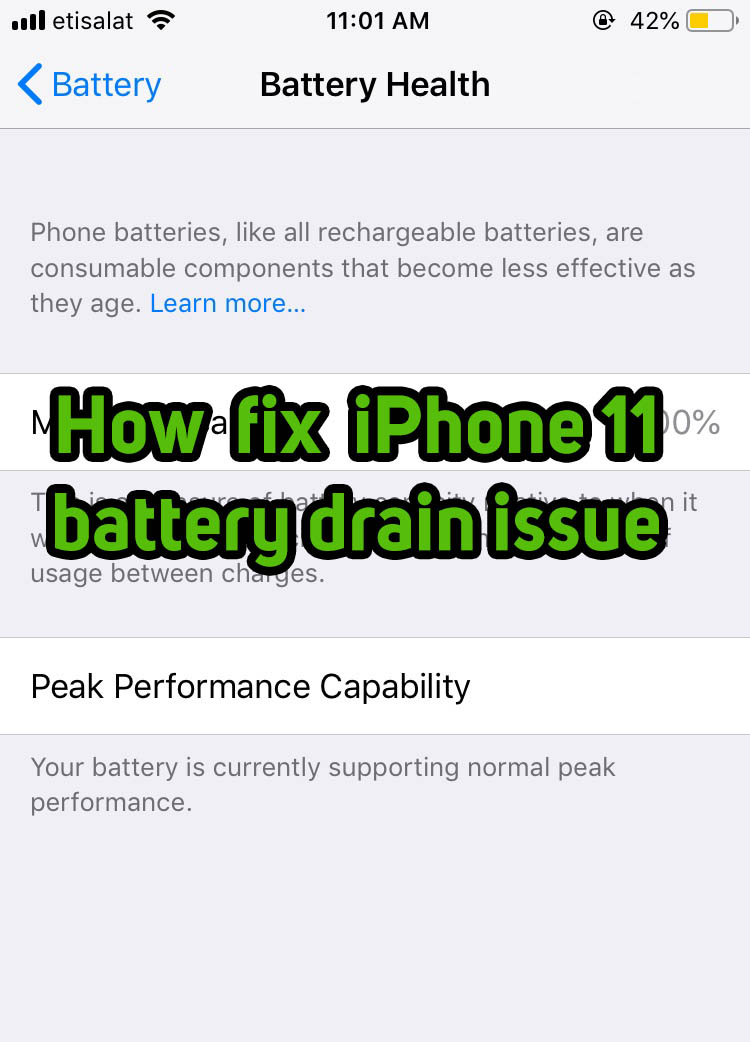
Let’s discuss How to fix iPhone 11 battery drain issue with the latest iOS 14.5 update. The iPhone 11 series phones; iPhone 11, iPhone 11 Pro and iPhone 11 Pro Max was hit with a bug issue that drained the battery of the phones at a faster pace and also users witnessed performance lag of the phones at certain times. . Apple had addressed this issue and announced that the bug will be fixed with the latest version of iOS. The latest version; iOS 14.5 is out now and let us see how you can fix the battery drain issue on the iPhone 11 series smartphones.
iPhone 11, the 13th generation iPhone was released in September 2019. The smartphone was widely praised for its camera features and performance. After some time a bug was found that slowed down the performance of the phone at times and some battery drain issues. Once Apple saw many users reporting the battery drain and performance lag issue they had released a statement. “iOS 14.5, coming later this spring, includes an update where the battery health reporting system will recalibrate maximum battery capacity and peak performance capability on iPhone 11, iPhone 11 Pro and iPhone 11 Pro Max to address inaccurate estimates of battery health reporting for some users”
How to fix iPhone 11 battery drain issue with the latest iOS 14.5 update
Make sure you are connected to the internet and you need to have a minimum of 1.21GB of Data Pack. the iOS 14.5 update has a size of 1.21GB. Also, make sure you have a 50% or above the battery.
STEP 1: Open Settings on iPhone
STEP 2: Tap on the `General` settings
STEP 3:In `General` settings tap on `Software Update`. You can see that there is an iOS Update waiting to get installed. Click on `Download and Install` and the update will start downloading.
Once the iOS 14.5 update file is downloaded, The installation process will begin and wait till the software gets installed.
STEP 4: Once the iOS update is installed successfully. Open the `Settings` app once again. Now tap on the `Battery` to open battery settings.
STEP 5: “Your battery health reporting system is recalibrating. Maximum Capacity and Peak Performance Capability, This process may take a few weeks.
The Battery recalibration may take few weeks. Once your iPhone 11`s battery is recalibrated to its peak capacity the above message will be removed from the Battery Health Section. Don`t forget to keep an eye on whether there is a change in the battery drain and charge cycles.
If in any case the recalibration of your device`s battery gets failed, You will be notified with a message asking you to take the iPhone to an authorized service centre. The battery is most cases will be replaced free of cost.
Author




Sijo Thomas is a web developer, SEO-focused content creator and digital tools builder at Smart Web Solutions. He creates practical web tools, technology guides and helpful online resources covering web development, WordPress, SEO, artificial intelligence and everyday digital solutions. His work focuses on making technology easier to understand and providing useful, user-friendly solutions for individuals and businesses.
LinkedIn:https://www.linkedin.com/in/sijo-thomas-it-seo-and-dm/