

We would like explain 8 simple Ways to Free Up Space On Your iPhone and iPad. The information in the digital world is expanding at a tremendous scale. From simple text to rich and dynamic media formats. The ways of delivering information and entertainment have changed. As a result of this, the demand for more and more storage arises.
A while back, a 128GB internal storage was considered to be more than enough for most of the data and media storage in a phone. Now things have changed and even 256GB of storage doesn’t seem enough.
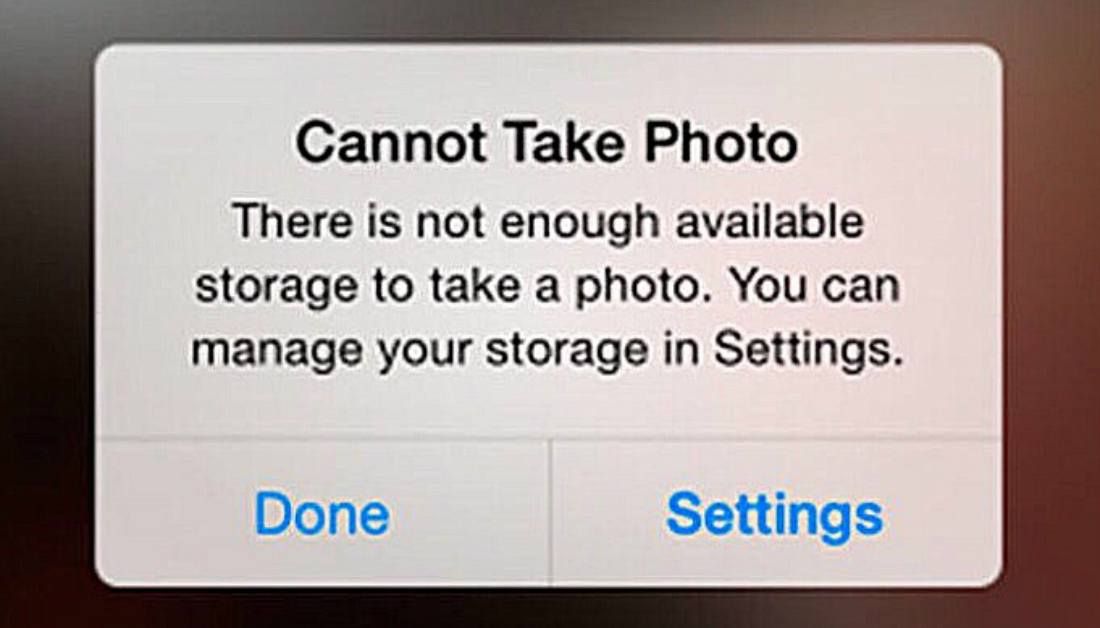
As the storage space is filled there arises issues like slower speed, some application not able to execute tasks effectively. etc.
Do you know one thing? Most of the storage of your iPhone might not be occupied your personal files or media but by unwanted files and databases created by applications on your phone. You can clear this storage and regain some space on your iPhone with these 8 simple and effective ways.
1. Delete all unwanted messages on your iPhone.
These unwanted messages clutter your storage, Clear them often so that you can not only save some space but can find your important messages easily.
2. Clear your web history often
The web history piles up every day and along it comes cookies and website files. deleting these will save more space.
3. Clear the deleted items folder in iPhone Gallery
The photos and other media you delete will end up in the deleted items in your gallery. Clearing the deleted items will free up more space on your iPhone
4. Clear storage and cache of any installed Download Manager
If you have installed any Download manager application on your iPhone, the downloaded files and unfinished files may be occupying a chunk of storage of the iPhone. Clearing this will definitely save you more space.
6. Delete all unwanted Notes, Files, Pages and other unwanted files in Applications
Track all your unwanted files, Notes and Pages in different applications and delete them.
7. Turn off the auto media download option in social media apps like WhatsApp
Many Social media apps like WhatsApp, Facebook. etc. have the Media Auto-Download option on by default. The app uses this to provide a seamless experience but a heavy junk of data gets piled up in the storage. Turning this option off will save you not only storage but a large amount of data also.
8. Remove unwanted files from the Calendar app and iMovie app to free up more storage space
Deleting the unwanted files from the Calendar app and iMovie app will also save a lot of storage space.
Try these simple 8 ways on your iPhone and you can Free Up Space On Your iPhone and iPad. You will notice that you regained a major portion of your iPhone’s storage
Latest Models of iPhones come up with TBS of storage in future.
Share Wi-Fi password from your iPhone, iPad, or iPod touch
Author




Sijo Thomas is a web developer, SEO-focused content creator and digital tools builder at Smart Web Solutions. He creates practical web tools, technology guides and helpful online resources covering web development, WordPress, SEO, artificial intelligence and everyday digital solutions. His work focuses on making technology easier to understand and providing useful, user-friendly solutions for individuals and businesses.
LinkedIn:https://www.linkedin.com/in/sijo-thomas-it-seo-and-dm/